Aug 12, 2026

How to integrate Currai with Vapi for browser voice agents

A beginner-friendly, code-first guide to turning Vapi browser calls into Currai sessions, conversation User Stories, and correctly nested voice-agent traces.

FEATURES15 min readThe Currai team / Engineering

A voice assistant can fail in a surprisingly quiet way.

The call connects. The microphone icon is on. The assistant may even say its first message. Then the user speaks and nothing useful happens. Did the browser receive audio? Did speech-to-text produce a final transcript? Did the model answer? Did audio playback get blocked? Did the user repeat the question and leave?

Without conversation evidence, these all look like the same bug: the voice agent did not work.

Traditional application logs help, but they rarely show the experience as the user lived it. A useful voice-agent record needs the full call boundary, the final user and assistant turns, provider execution, failure state, and stable identity for retries. It also needs to keep secret ingestion credentials out of the browser.

This guide builds that record by connecting a browser-hosted Vapi assistant to Currai. It assumes you are new to both products and shows the complete pattern for a Next.js application using @vapi-ai/web.

By the end, one real Vapi call will appear in Currai as:

  • one session for the complete call;
  • one call-boundary event with timing and Vapi metadata;
  • top-level agent turns that render as a readable conversation;
  • nested model events for provider execution evidence;
  • a stable payload that can retry without creating new event identities.

A browser voice assistant sends speech waveforms through a protected server boundary to conversation cards, trace trees, and quality charts in an analytics workspace

The browser owns the live Vapi call. A trusted server route owns Currai authentication and normalization.

First, what is Vapi?

Vapi is a platform for building voice assistants. It joins the pieces needed for a real-time conversation, including microphone input, speech recognition, model execution, speech generation, and call state.

In a browser app, the @vapi-ai/web package starts and manages the live call. It emits events such as:

  • message, which includes partial and final transcript updates;
  • call-start-success, which exposes the provider call ID;
  • call-end, which tells the app that the conversation has finished;
  • speech and volume events, which can drive the interface.

Vapi runs the conversation. It should remain responsible for that job after Currai is connected.

What is Currai?

Currai is a user-intelligence and agent-quality platform. It receives sessions and structured events from an AI application, then connects the user conversation to the technical trace behind it.

In plain language, Currai helps answer questions such as:

  • What were users trying to do?
  • Which conversations failed or caused frustration?
  • What did the agent say before the user abandoned the call?
  • Which model or tool operation sits under that conversation turn?
  • Are important intents, violations, errors, or regressions appearing in production?

Currai does not replace Vapi, the model provider, or your application logs. It adds the conversation and quality layer that makes those technical signals useful for product and engineering teams.

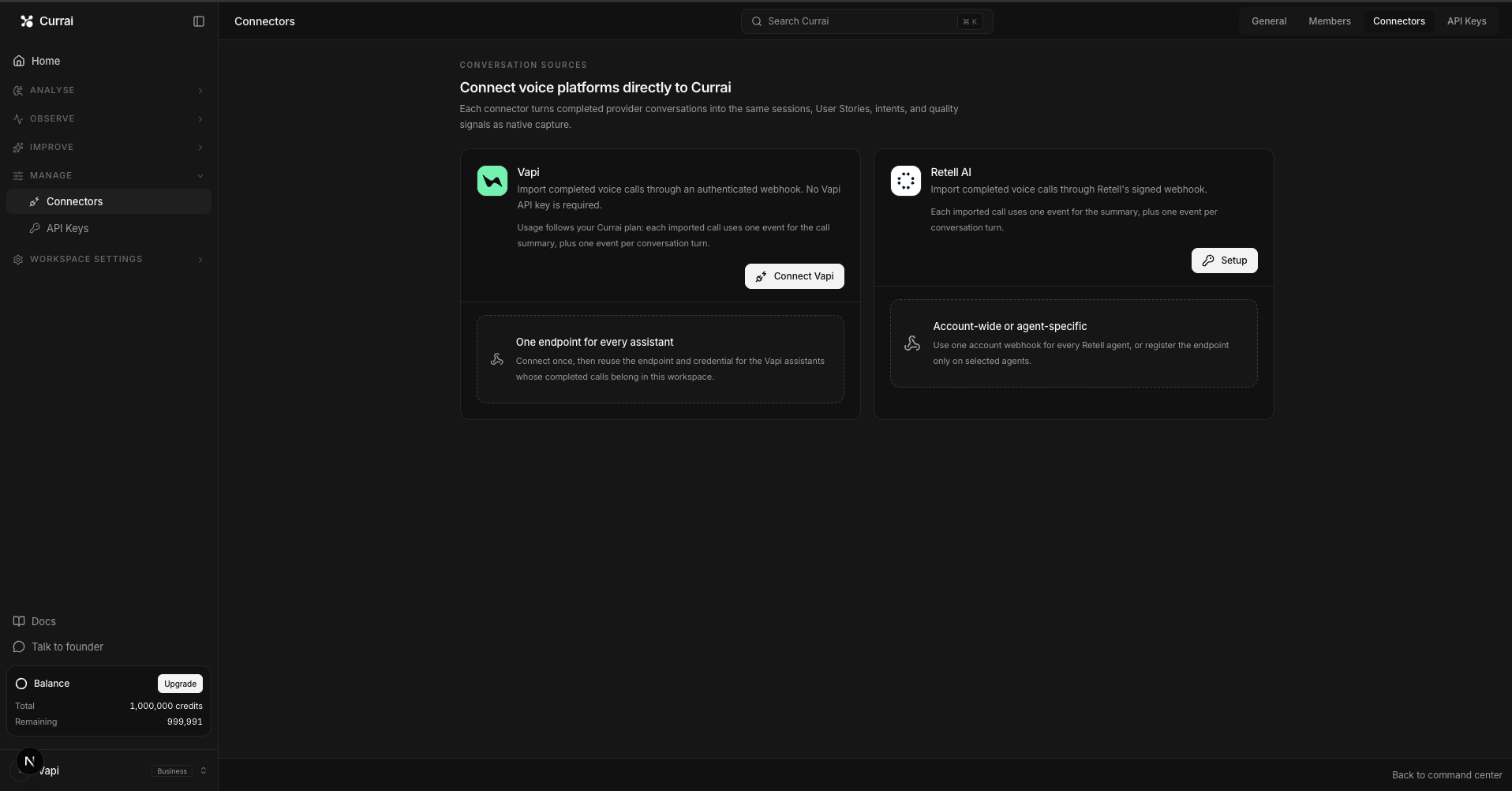
The integration uses authenticated HTTP requests. You do not need a Currai SDK.

What we are building

The Vapi call lives in a Client Component, but the Currai secret must live on the server. That gives the integration two halves:

  1. The browser listens to the live Vapi call and keeps only finalized transcript turns.
  2. A server route validates those turns, converts them into Currai's event shape, and sends them with server-only credentials.

Diagram showing the Vapi browser receiving message, call-start-success, and call-end events; posting finalized transcript turns and stable UUIDs to a protected server route; and the server creating a Currai session, call event, top-level agent turn, and nested model event

The server boundary is not optional. A browser public key may start a Vapi call, but Currai's secret key must never be shipped to client code.

This is also why you must instrument the component that owns the live Vapi call, not the route that creates or configures assistants. Creating an assistant is a control-plane action. The live conversation happens later, inside Vapi's browser event handlers.

What you need

Before starting, prepare:

  • Node.js and pnpm;
  • a Vapi account with a public key and private key;
  • a Currai workspace with an ingestion key;
  • a Next.js application using @vapi-ai/web;
  • a current browser running on HTTPS or localhost, because microphone access requires a secure context.

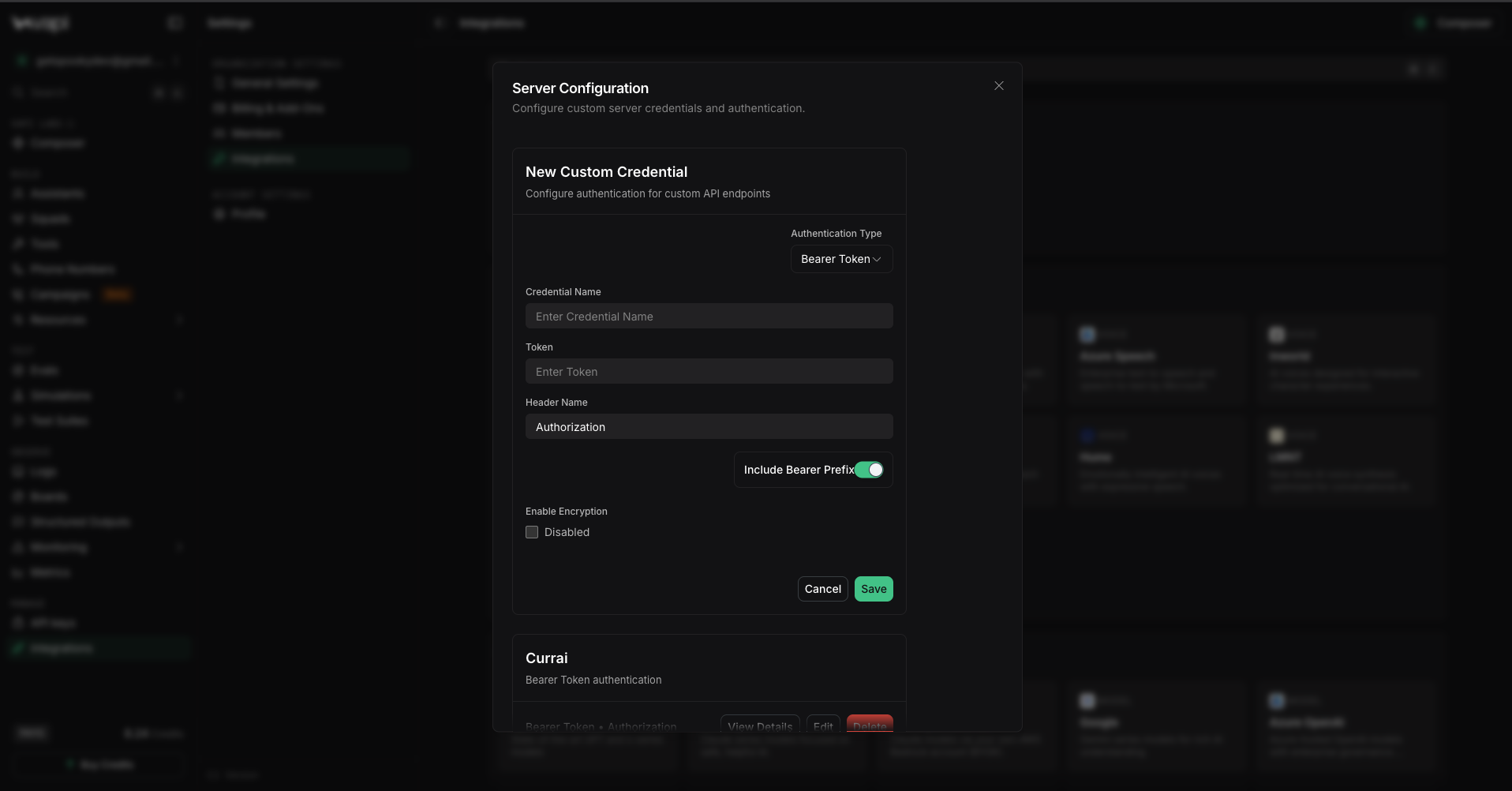
In Currai, create the ingestion key during onboarding or from Workspace Settings → API Keys. Save the secret immediately. Do not paste it into source code, screenshots, browser variables, or chat.

Step 1: Run your Vapi application without Currai

Start by proving the voice path works on its own. From your application directory:

cd path/to/your-vapi-app
pnpm install

Add your Vapi keys to .env.local:

NEXT_PUBLIC_VAPI_PUBLIC_KEY=<your-vapi-public-key>
VAPI_PRIVATE_KEY=<your-vapi-private-key>

Then run the application:

pnpm dev

Open the printed local URL. Choose an assistant template, select Create assistant, then select Start voice call and allow microphone access.

Speak one short request and wait for the assistant to answer. You should see the finalized transcript in the interface. If this baseline does not work, fix the Vapi call before adding Currai. An observability integration cannot repair a denied microphone, invalid Vapi key, or broken assistant.

Step 2: Add the Currai server environment

Append these variables to .env.local:

CURRAI_PUBLIC_KEY=<your-currai-public-key>
CURRAI_SECRET_KEY=<your-currai-secret-key>
CURRAI_BASE_URL=https://www.currai.app

Only server files may read these values. In Next.js, any variable beginning with NEXT_PUBLIC_ is bundled for the browser. Never rename the Currai keys to include that prefix.

Restart pnpm dev after changing the environment. A running process does not automatically receive new environment values.

If you want a coding agent to perform the wiring, install the published Currai Skill from the application repository:

npx skills add https://github.com/curraiapp/skills --skill currai

Then ask it to instrument the component that owns the live Vapi call. The skill detects @vapi-ai/web as a browser Vapi integration and prioritizes that conversation boundary over assistant-creation routes. You can also follow the remaining steps manually.

Step 3: Create a dependency-free Currai HTTP helper

Create a server-only helper such as lib/currai.ts. Its job is deliberately small:

  1. redact sensitive object keys;
  2. authenticate with HTTP Basic auth;
  3. create a session before its events;
  4. send events with a short timeout;
  5. return false instead of breaking the user's call.

The two Currai endpoints are:

POST /api/v1/capture-session
POST /api/v1/capture-event

The helper creates the authorization header only on the server:

const authorization =
  "Basic " + Buffer.from(publicKey + ":" + secretKey).toString("base64");

await fetch(`${baseUrl}/api/v1/capture-event`, {
  method: "POST",
  headers: {
    "content-type": "application/json",
    authorization,
  },
  body: JSON.stringify(event),
  signal: AbortSignal.timeout(2_000),
});

The helper should also redact keys matching passwords, cookies, bearer tokens, API keys, and secrets before serialization. This is worth doing even when you believe the transcript payload is clean. Metadata grows over time.

Step 4: Start one capture context per call

When the user starts a call, create one capture context alongside the Vapi client:

voiceCaptureRef.current = {
  sessionId: crypto.randomUUID(),
  userId: getAnonymousUserId(),
  boundaryEventId: crypto.randomUUID(),
  assistantId: createdAssistant.id,
  startedAt: Date.now(),
  success: true,
};

Each identifier has a separate purpose:

IdentifierPurpose
sessionIdGroups every event from one complete voice call
userIdGroups calls from the same anonymous browser user
boundaryEventIdIdentifies the call-level event
agentEventIdIdentifies one normalized conversation turn
modelEventIdIdentifies the provider execution nested under that turn
callIdLinks the session back to Vapi's own call logs

Store a randomly generated anonymous user UUID in localStorage or your application's existing browser session. Do not derive identity from an IP address, transcript, authorization token, or prompt. If your product already has a privacy-reviewed user ID, use that instead.

Step 5: Listen to the live Vapi boundary

The browser needs three kinds of evidence: call state, the Vapi call ID, and final transcript turns.

Capture the provider call ID when it becomes available:

vapi.on("call-start-success", (event) => {
  if (event.callId && voiceCaptureRef.current) {
    voiceCaptureRef.current.callId = event.callId;
  }
});

Read transcripts from message, but store only final messages:

vapi.on("message", (message) => {
  const nextTranscript = parseTranscriptMessage(message);
  if (!nextTranscript) return;

  if (nextTranscript.transcriptType === "partial") {
    setPartialTranscript(nextTranscript); // Display only
    return;
  }

  const agentEventId = crypto.randomUUID();
  captureTranscriptRef.current.push({
    role: nextTranscript.role,
    text: nextTranscript.text,
    agentEventId,
    modelEventId: crypto.randomUUID(),
  });
});

Partial transcripts change while the user is speaking. Capturing every partial fragment would produce duplicated, incomplete evidence such as “change”, “change my”, and “change my delivery address.” Keep partials in the interface, then persist the final transcript once.

Also reject an immediately repeated final turn. The server later coalesces consecutive fragments from the same speaker, which covers providers that finalize one utterance in multiple pieces.

Step 6: Upload at the end without blocking the call

On call-end, send the call context and finalized transcript to a server-only route:

vapi.on("call-end", () => {
  void uploadVoiceCapture();
  // Continue normal Vapi cleanup here.
});

Post to a server route such as /api/currai/voice with keepalive: true. Retry transient failures after short delays, such as 500 ms and 1,500 ms. A permanent client error should stop the retry loop.

The important idempotency rule is: build the payload once and reuse the same event UUIDs on every attempt.

Do not generate fresh IDs inside the retry loop. Currai may have accepted the session and first event before the network failed. Stable IDs let the complete payload be retried without turning one conversation into several identities.

Capture remains best-effort from the user's perspective. The call should still end normally when Currai is slow or unavailable.

Step 7: Validate and normalize on the server

A handler such as app/api/currai/voice/handler.ts should reject malformed data before it reaches Currai. Reasonable limits include:

  • the request body to 64 KB;
  • the transcript to 200 entries;
  • each text value to 8,000 characters;
  • IDs to valid UUIDs;
  • speakers to user or assistant.

After validation, the server coalesces same-speaker fragments:

user:      I need to change
user:      my delivery address
assistant: I can help with that

becomes:

user:      I need to change my delivery address
assistant: I can help with that

It then pairs a user turn with the following assistant turn. Assistant-first calls and unpaired final turns are preserved. The server never invents speech that did not occur.

Step 8: Use Currai's recognized conversation fields

This is the most important payload detail.

Currai renders conversation messages from recognized fields on top-level agent events. For a user and assistant pair, send:

{
  kind: "agent",
  name: "vapi.conversation.turn",
  args: { input: "I need to change my delivery address." },
  result: { output: "I can help with that." },
}

Supported user-input fields include args.input, args.prompt, args.message, and supported message-content shapes. Supported assistant fields include result.output, result.text, result.response, and result.answer.

A custom field such as transcript may be useful trace metadata, but it is not conversational evidence. If you create a top-level agent event with no recognized input or output, Currai can receive the event while the User Story still shows no messages.

For every normalized voice turn, emit this structure:

event: vapi.voice_call

agent: vapi.conversation.turn
 model: vapi.model

The call-boundary event records duration, success, transcript count, assistant ID, Vapi call ID, and failure information. Each top-level agent event contains the recognized conversation evidence. A nested model event keeps provider execution visible without replacing the readable conversation.

If your application reliably knows the provider and model used for a call, include them as model-event metadata. If the assistant can change providers or models at runtime, emit only values your application can determine reliably. Do not guess.

Step 9: Return retryable failures from the relay

The server creates the Currai session first. If Currai rejects that session or any required event, the relay returns 503:

if (!sessionAccepted) {
  return Response.json(
    { error: "Capture service unavailable." },
    { status: 503 },
  );
}

The browser treats 503 and other transient server failures as retryable. A 400 means the browser sent an invalid payload and retrying it unchanged will not help.

This contract avoids partial success being mistaken for completion. The browser retries the complete idempotent payload, and Currai sees the same IDs.

Step 10: Verify a real call from end to end

Run your application's checks first. For a typical pnpm-based Next.js app:

pnpm test
pnpm typecheck
pnpm lint
pnpm build

Then restart the app and make one real call. Use a request that produces an obvious user and assistant pair, for example:

I need to change the delivery address for an order I placed today.

End the call after the assistant answers. In Currai, verify all of the following:

  1. The session exists. One Vapi call should produce one Currai session.
  2. The call metadata exists. The boundary event should include the Vapi call ID when Vapi supplied it.
  3. The trace is nested correctly. The model event should be a child of the top-level agent turn.
  4. The conversation renders. In Analyse → User Stories, confirm at least one visible user or assistant message.
  5. Failures stay visible. A failed call should set success: false and preserve its reason without breaking the voice interface.

Do not stop after finding a session or an event row. An empty User Story means the integration is connected but the conversational contract is still wrong.

Common problems and fixes

The Vapi call works, but Currai receives nothing

Confirm CURRAI_BASE_URL, CURRAI_PUBLIC_KEY, and CURRAI_SECRET_KEY exist in the server process that handles /api/currai/voice. Restart the process after changing .env.local. Also inspect the relay's HTTP status rather than hiding it behind a fire-and-forget browser request during debugging.

A Currai session appears, but the User Story is empty

Inspect the top-level agent event. It must contain args.input and/or result.output or another supported field. Moving transcript text only into a custom transcript property or a nested model event will not satisfy the top-level conversation contract.

The same sentence appears several times

You are probably capturing partial transcript messages. Display partials in the live UI, but upload only finalized messages. Also reject exact duplicate final turns and coalesce consecutive entries from the same speaker.

Retries create confusing duplicates

Generate session and event UUIDs before the first upload. Store the completed payload and reuse it. Never create identifiers inside the retry loop.

The assistant speaks first

Keep the turn. A welcome message is valid assistant evidence even when there is no preceding user input. Emit an agent event with result.output only, then pair later user and assistant turns normally.

The call connects, but speaking does nothing

Check the browser microphone permission, selected input device, and secure context first. Request a real audio track with getUserMedia, pass that track to Vapi's Daily call object, and call vapi.setMuted(false) after startup. Use the Vapi call ID to inspect the matching call log.

Currai is temporarily unavailable

Return a retryable status from the server and keep the live Vapi call independent. Observability should report product failures, not create new ones.

Privacy and production checklist

Before deploying, confirm:

  • Currai credentials are available only to the server;
  • Vapi's private key also remains server-side;
  • transcript capture follows your product's consent and retention policy;
  • unnecessary personal data is removed or redacted;
  • anonymous IDs are random and not derived from sensitive values;
  • request sizes and transcript lengths are bounded;
  • capture requests use a short timeout;
  • stable IDs survive retries;
  • failed capture never fails the user's voice call;
  • provider and model metadata is emitted only when known.

What you built

You now have a browser-safe Vapi integration that turns live voice calls into useful Currai evidence.

Vapi still owns the real-time audio experience. The browser stores finalized speech and stable identifiers. The server protects credentials, validates and normalizes the transcript, and sends a session-first event tree. Currai can then render the conversation as a User Story and connect it to the model trace, errors, intents, violations, and quality signals behind the call.

That changes a vague report such as “voice stopped working” into something a team can investigate: the exact call, what the user said, what the assistant answered, which provider execution belongs to the turn, and where the failure occurred.

For an agent-assisted setup, follow How to run the Currai Skill. For the wider voice pipeline, read Voice AI pipeline observability from audio input to agent outcome. You can also start with Currai free.

FAQ

Does Currai replace Vapi?

No. Vapi runs the live voice assistant. Currai receives structured evidence from the application so teams can understand conversations, traces, failures, and quality over time.

Do I need a Currai SDK?

No. The integration uses native fetch calls to Currai's session and event endpoints.

Why wait until call end to upload?

It lets the server normalize a complete finalized transcript, pair speakers, and send one idempotent payload. If your application needs near-real-time capture, you can send finalized turns during the call, but you must preserve ordering, stable IDs, and the same server-only credential boundary.

Can I send only the raw transcript?

You can keep a raw transcript as trace metadata, but Currai's readable User Story conversation needs recognized input and output fields on top-level agent events.

What counts as a completed integration?

A real Vapi call must produce a Currai session, the expected agent and model nesting, and at least one rendered User Story message. A connectivity test or empty session alone is not enough.

03

Keep going with nearby topics from the Currai blog.