
Getting started
How to run the Currai Skill
Let your coding agent connect a TypeScript, JavaScript, or Python AI application and verify the real application path.
The Currai Skill gives a coding agent the instructions and local tools it needs to find your real AI entrypoint, add native HTTP capture, and verify the integration. It supports TypeScript, JavaScript, and Python chatbots, agents, MCP servers, model calls, tools, retrievers, guardrails, and evaluators without installing a Currai SDK.
Prerequisites
You need:
- a Currai workspace;
- an ingestion key generated during onboarding or from Workspace Settings → API Keys;
- a coding agent that can use installed skills and edit the application repository;
- the normal command or deployment process used to run the application.
Keep capture in trusted server-side code. Never place the secret key in browser code, committed source, screenshots, or chat messages.
1. Save the server environment
Add the one-time environment block to the application runtime:
CURRAI_PUBLIC_KEY=<your-public-key>
CURRAI_SECRET_KEY=<your-secret-key>
CURRAI_BASE_URL=https://www.currai.app
Use a local environment file for development or the deployment platform's secret manager for production. If you refreshed the page before saving the secret, revoke that key and create another one.
2. Install the skill
From the root of the AI application repository, run:
npx skills add https://github.com/curraiapp/skills --skill curraiRun the command in the application repository, not in the Currai repository. In a monorepo, tell the coding agent which application package contains the real chat or agent path.
3. Ask the coding agent to connect the app
Paste this prompt into the coding agent:
Use $currai to connect this AI application to Currai using the CURRAI_PUBLIC_KEY, CURRAI_SECRET_KEY, and CURRAI_BASE_URL already configured in the server environment. Instrument the real chat or agent path with authenticated native HTTP capture and verify one real interaction. Never print or copy the secret into source code or chat.
The agent should then:
- detect the framework and application package;
- confirm the real chat, agent, MCP, or tool entrypoint;
- generate a dependency-free capture helper;
- create one session per conversation or agent run;
- capture agent, model, tool, MCP tool, retriever, guardrail, evaluator, and error boundaries that actually exist;
- preserve nesting between operations and redact secrets or unnecessary personal data;
- keep capture failures isolated from the user request.
4. Restart or deploy the application
Environment changes do not reach an already running process. Restart the local server or redeploy the application using its normal workflow.
Do not treat a standalone connectivity event as completion. The helper must run from the application's real AI path.
5. Verify one real interaction
Send one real chat message, agent action, or MCP tool call through the application. The integration is complete when:
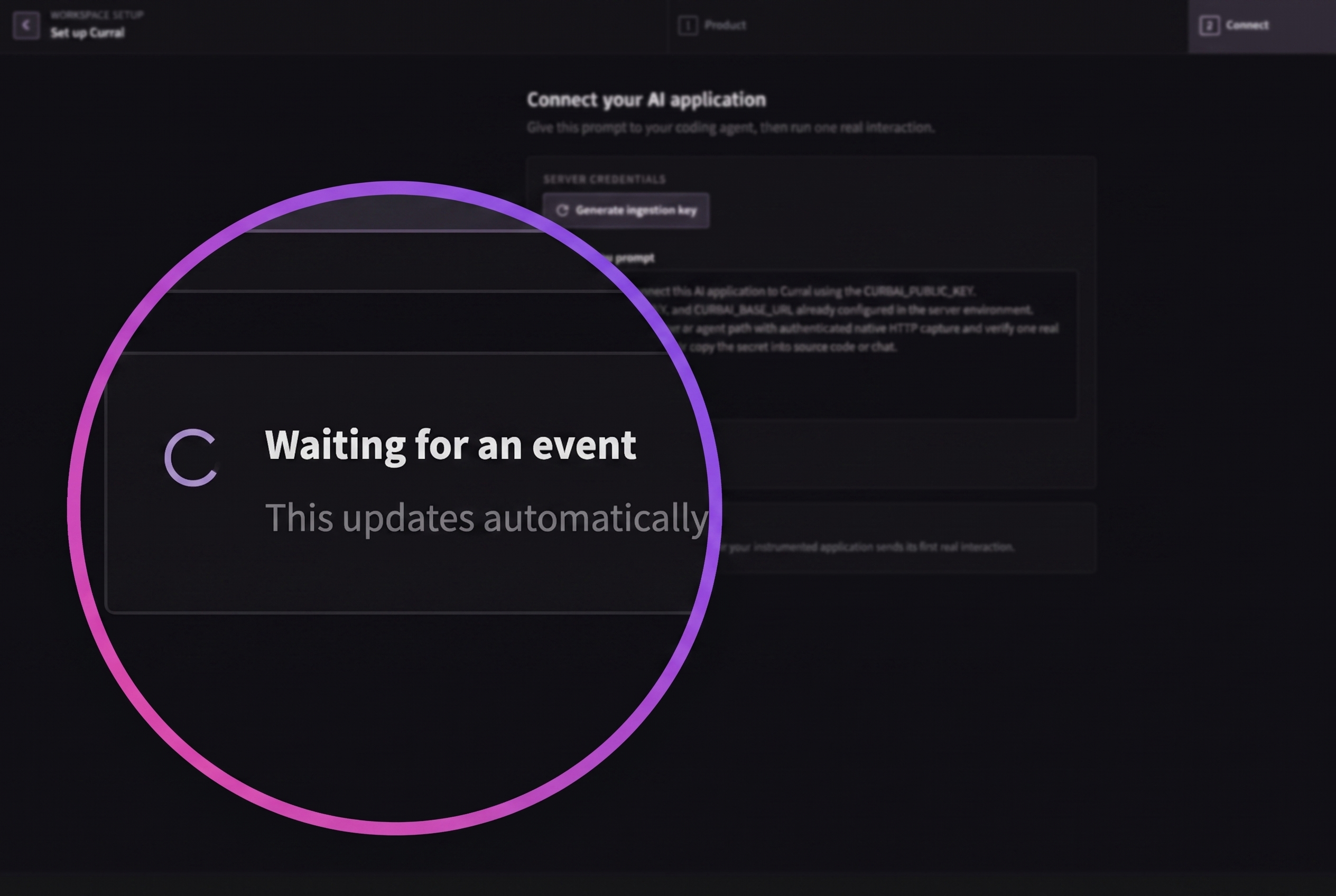
- onboarding changes from Waiting for an event to Application connected;
- the real session appears in Observe → Events;
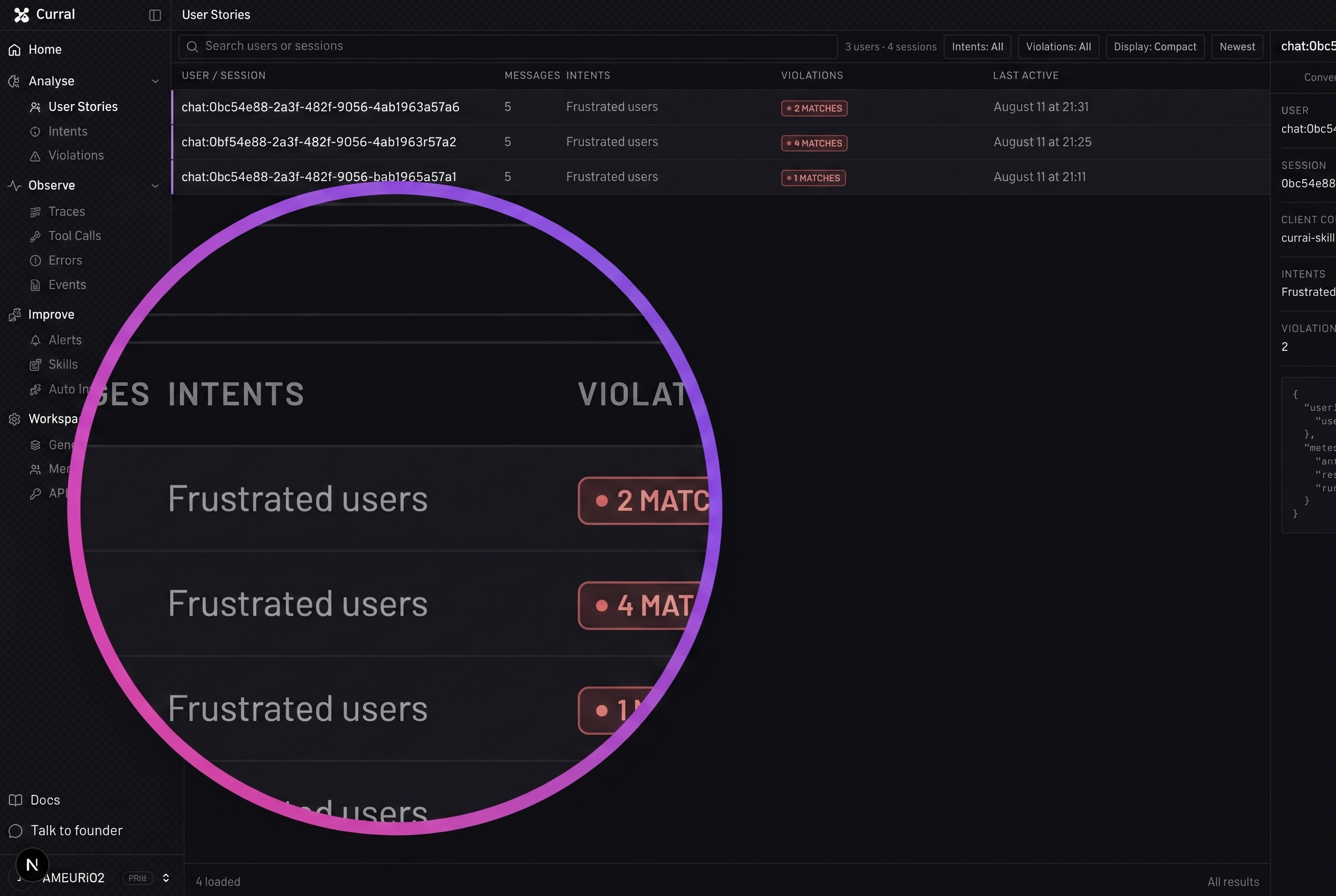
- the conversation appears in Analyse → User Stories;
- model and tool operations keep their expected parent-child structure;
- failures appear in Observe → Errors when a real operation fails.
Troubleshooting
- If the detector chooses the wrong package, tell the agent the exact monorepo package and entrypoint.
- If Currai keeps waiting, confirm the variables exist in the running server process and that the app was restarted.
- If a short-lived process exits first, await the capture request before shutdown.
- If the app works but Currai fails, keep the product request successful and inspect the capture response separately.
Continue with intents and violations.